1. 로컬 저장소의 사용
팀장 =\> 프로젝트 : workspace => 스테이지 : 어느 파일을 올릴지, 커멘트 , commint => 저장소(repository) :브렌트 협업 가능
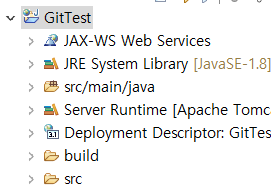
프로젝트 있음

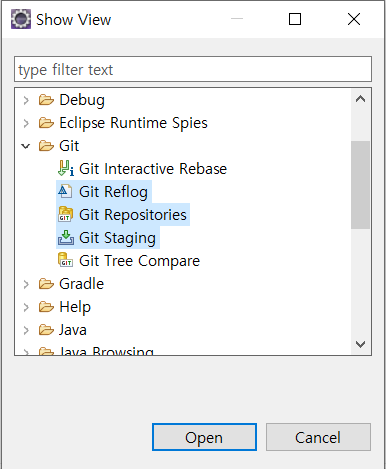

탭 추가

프로젝트를 repository로 설정

working tree에 실제 작업 내용 들어감

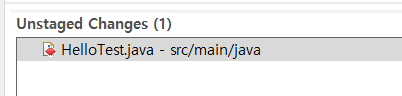
Unstaged : 변화된 파일이 감지됨
staged : repository에 넣을 파일들
gitignore : 올리지 않을 파일인데 매번 뜨지 않게 하는 파일
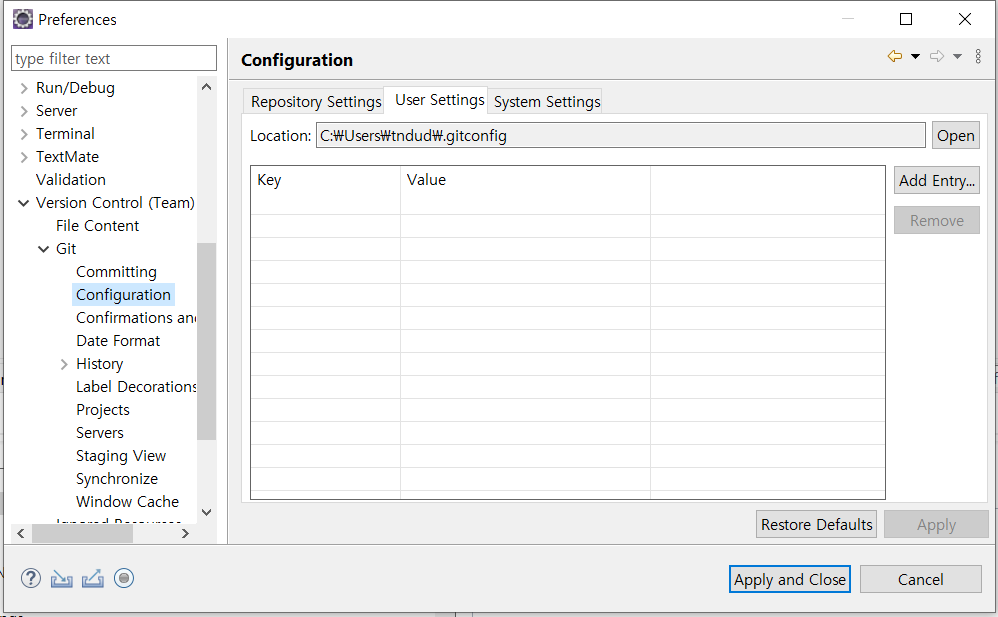
여기서 누가 올리는지 설정 가능
# Created by https://www.toptal.com/developers/gitignore/api/windows,eclipse,java
# Edit at https://www.toptal.com/developers/gitignore?templates=windows,eclipse,java

### Eclipse ###
.metadata
bin/
tmp/
*.tmp
*.bak
*.swp
*~.nib
local.properties
.settings/
.loadpath
.recommenders

# External tool builders
.externalToolBuilders/

# Locally stored "Eclipse launch configurations"
*.launch

# PyDev specific (Python IDE for Eclipse)
*.pydevproject

# CDT-specific (C/C++ Development Tooling)
.cproject

# CDT- autotools
.autotools

# Java annotation processor (APT)
.factorypath

# PDT-specific (PHP Development Tools)
.buildpath

# sbteclipse plugin
.target

# Tern plugin
.tern-project

# TeXlipse plugin
.texlipse

# STS (Spring Tool Suite)
.springBeans

# Code Recommenders
.recommenders/

# Annotation Processing
.apt_generated/
.apt_generated_test/

# Scala IDE specific (Scala & Java development for Eclipse)
.cache-main
.scala_dependencies
.worksheet

# Uncomment this line if you wish to ignore the project description file.
# Typically, this file would be tracked if it contains build/dependency configurations:
#.project

### Eclipse Patch ###
# Spring Boot Tooling
.sts4-cache/

### Java ###
# Compiled class file
*.class

# Log file
*.log

# BlueJ files
*.ctxt

# Mobile Tools for Java (J2ME)
.mtj.tmp/

# Package Files #
*.jar
*.war
*.nar
*.ear
*.zip
*.tar.gz
*.rar

# virtual machine crash logs, see http://www.java.com/en/download/help/error_hotspot.xml
hs_err_pid*
replay_pid*

### Windows ###
# Windows thumbnail cache files
Thumbs.db
Thumbs.db:encryptable
ehthumbs.db
ehthumbs_vista.db

# Dump file
*.stackdump

# Folder config file
[Dd]esktop.ini

# Recycle Bin used on file shares
$RECYCLE.BIN/

# Windows Installer files
*.cab
*.msi
*.msix
*.msm
*.msp

# Windows shortcuts
*.lnk

# End of https://www.toptal.com/developers/gitignore/api/windows,eclipse,java
.classpath
.project
이렇게 밑에 파일 이름을 적으면
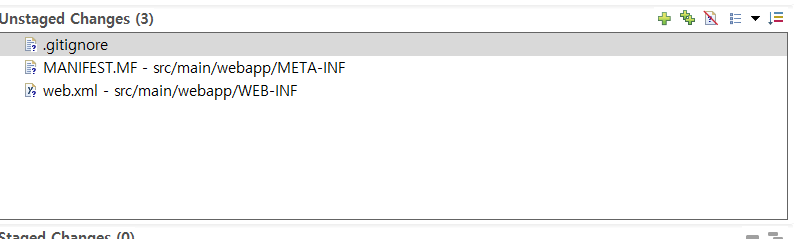
unstaged에 안올라감
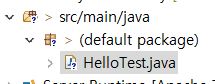
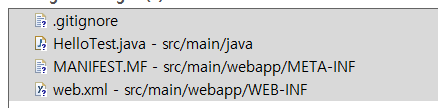
파일을 추가 하면 추가됨
commit 하면 repository에 저장됨

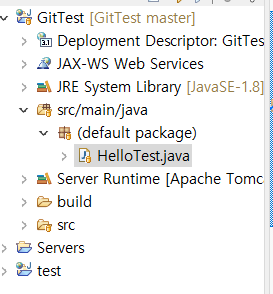
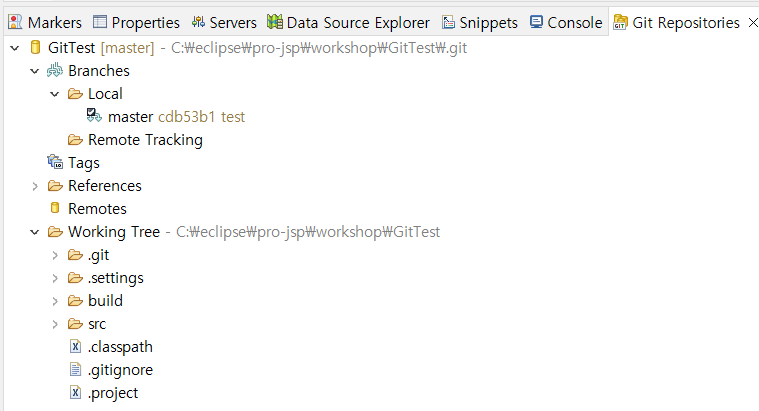
올라간것 확인
master 가 test라는 comment로 올림
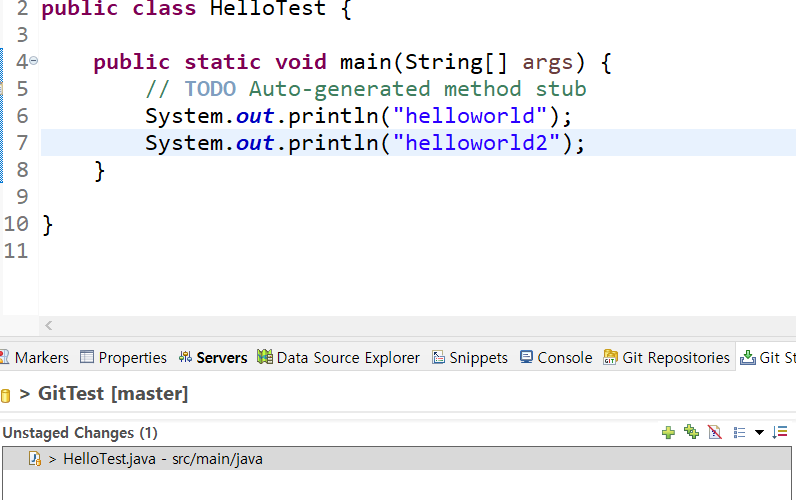
파일 수정 하면 감지됨


어느 부분이 수정 되었는지 보여줌

이전 버전으로 돌릴 수 있음 hard 누름

2. 브렌치(협업자) : hotfix 브렌치 생성, 추가 작업 => master 브렌치와 병합(추가작업 포함)
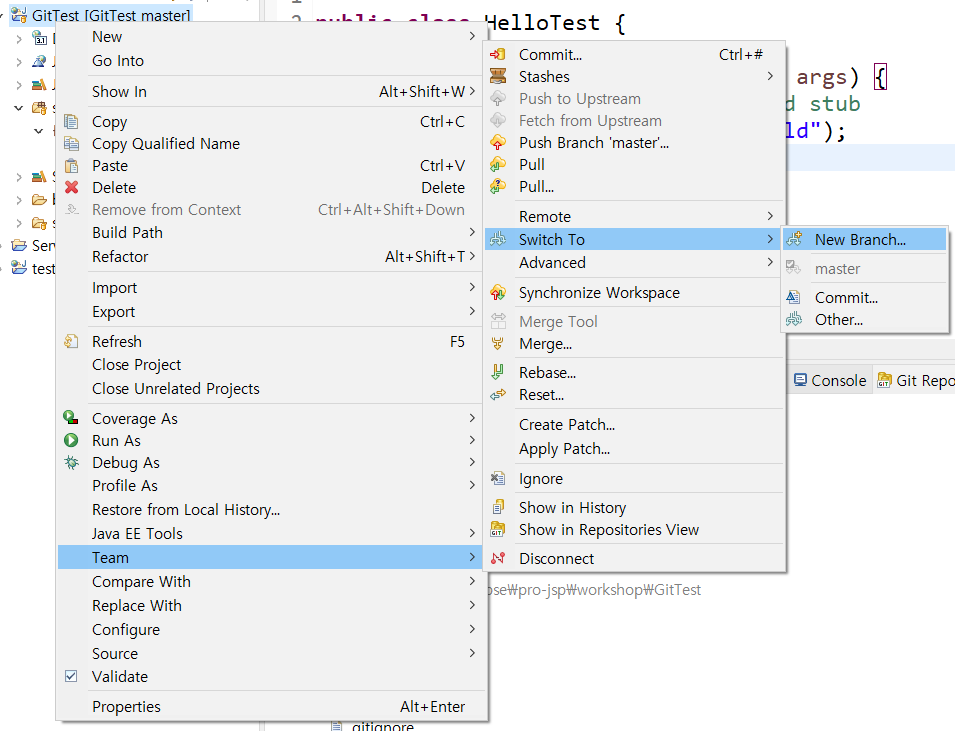
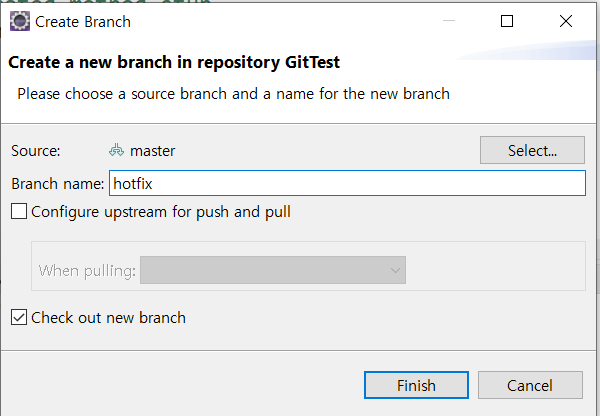
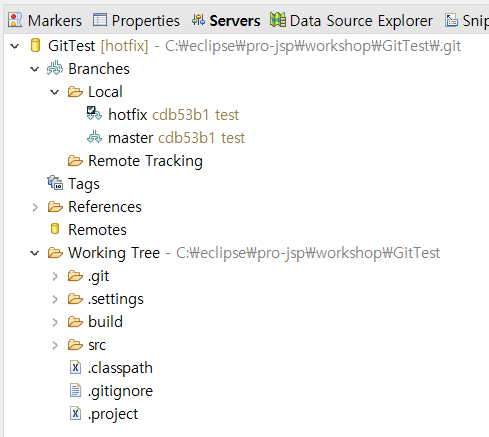
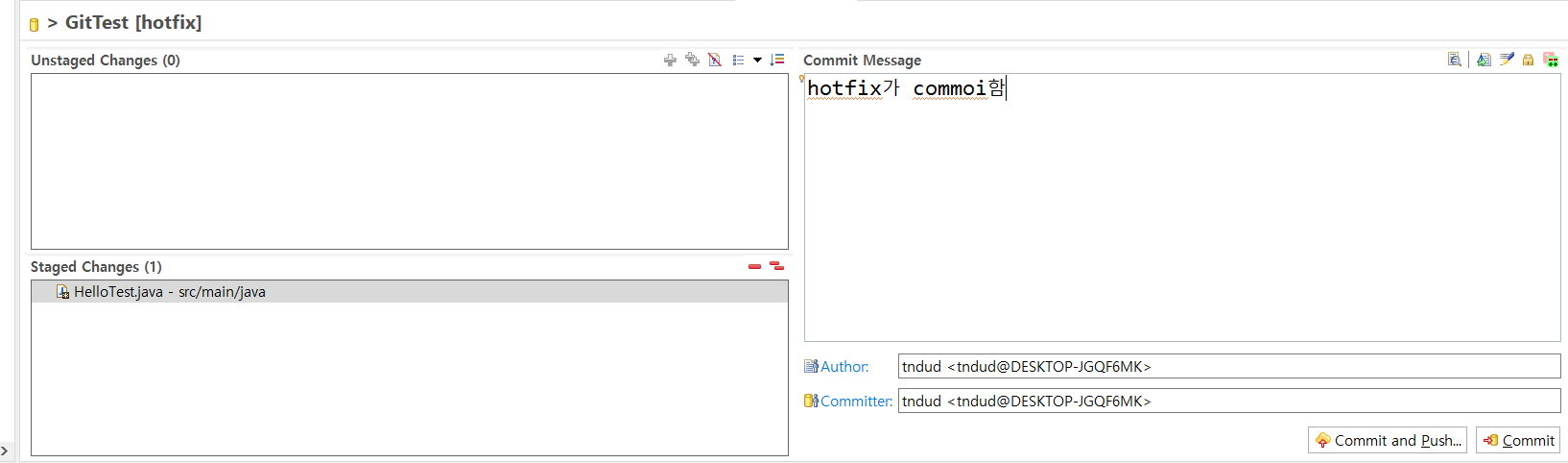
hotfix가 씀
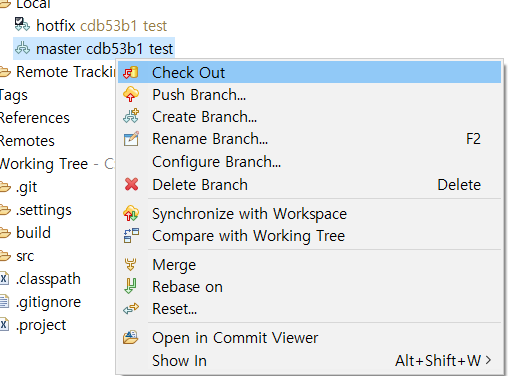
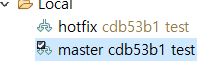
checkout으로 사용자 바꿀 수 있음
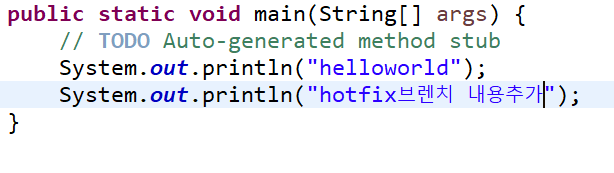
hotfix가 내용 변경


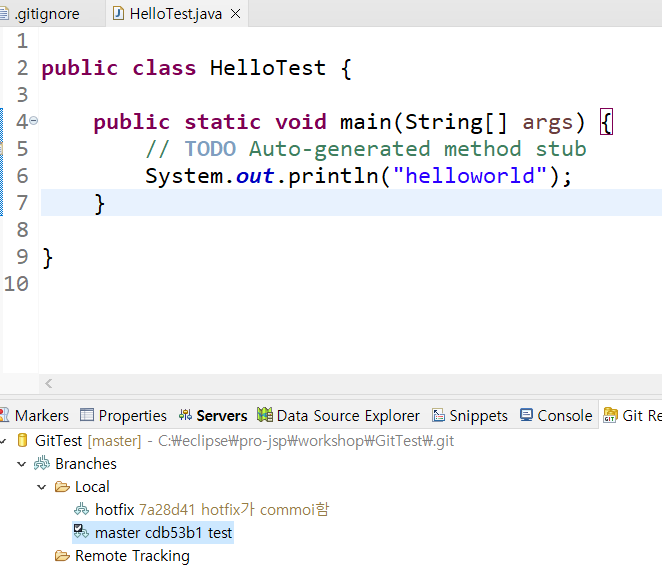
hotfix가 한 것을 master가 보면 변경되어 있는게 적용 되어 있지 않음
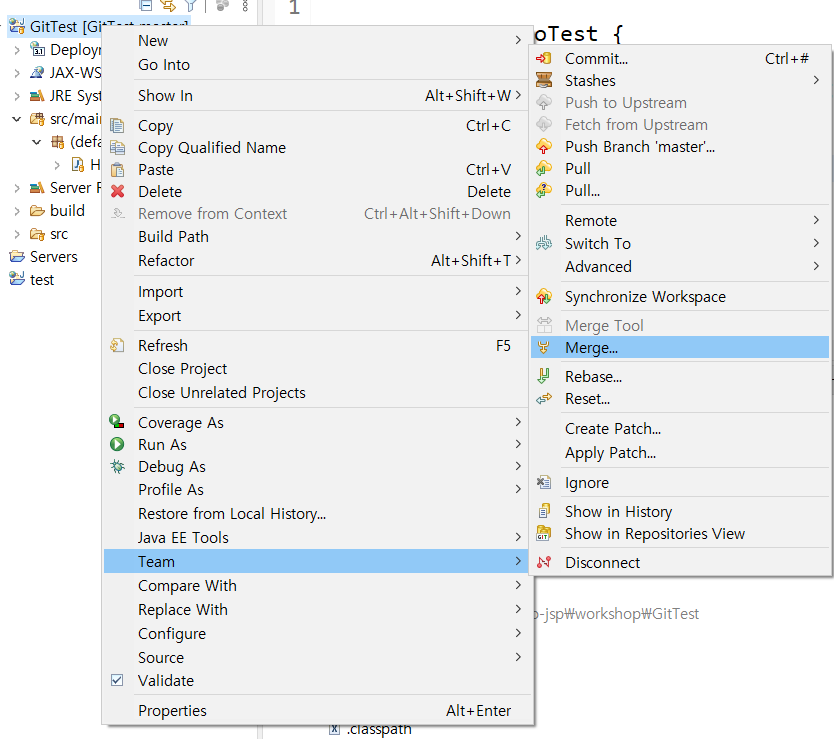
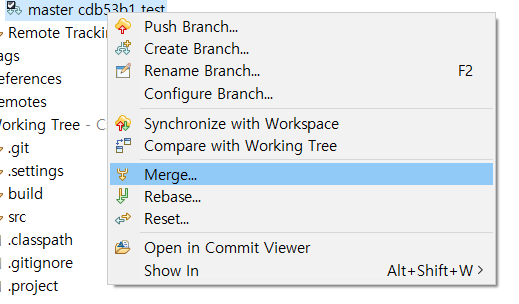
둘중 아무거나 사용하면 됨

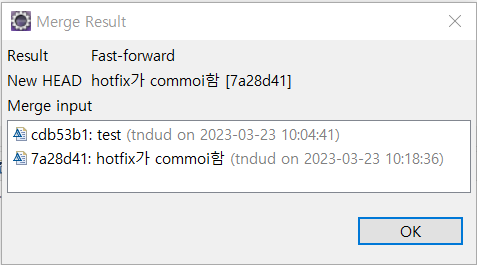
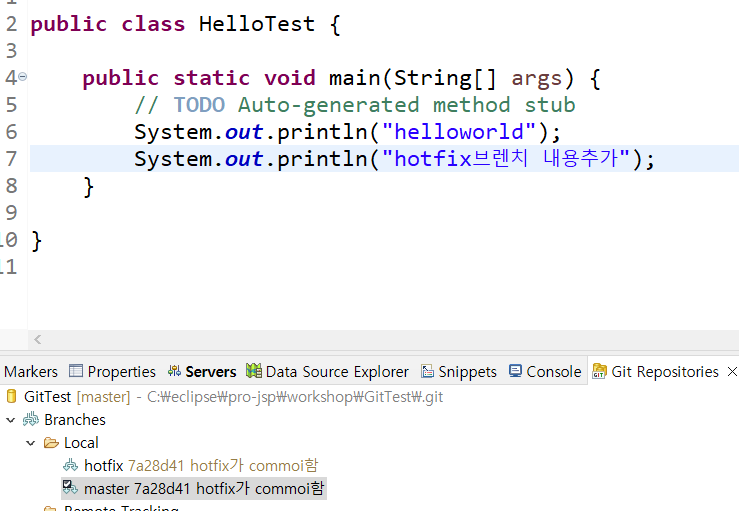
master에 hotfix가 올린게 merge 됨
충돌 문제 발생 할 수 있음
master에서 수정 hotfix는 아직 적용 안됨

hotfix에서 같은 라인에 추가함

둘다 commit 함
master에서 2개를 merge 할꺼임
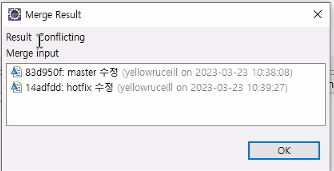
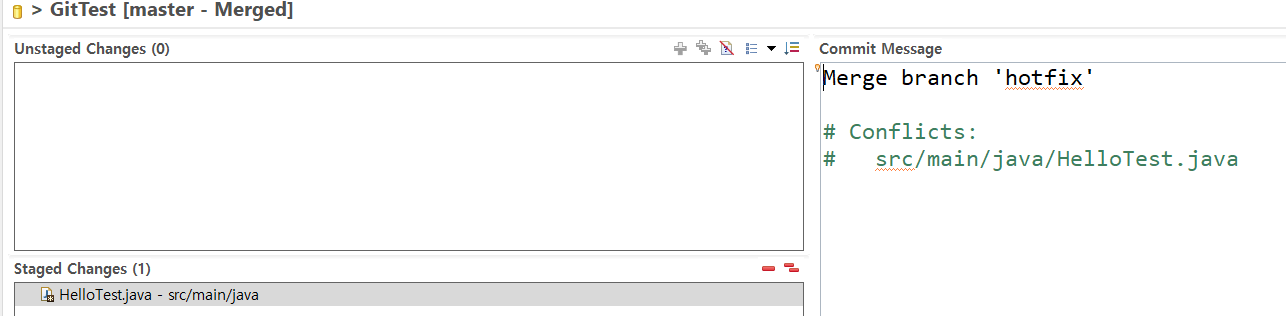
같은 라인에서 충돌함
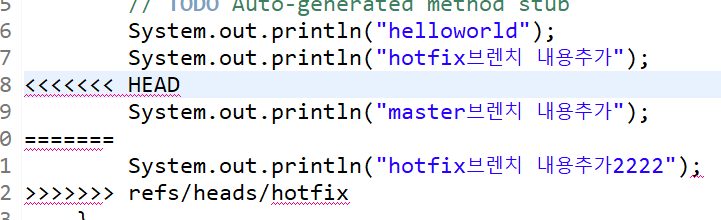
충돌 난 것을 보여줌
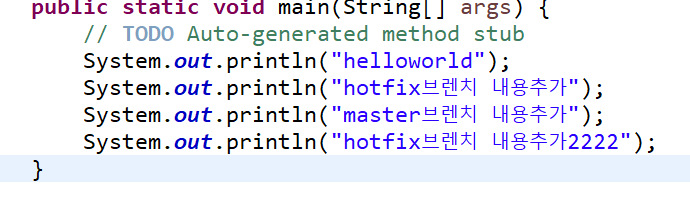
수정
3. 원격 저장소 관리
팀장 =\> 프로젝트 : workspace => 스테이지 : 어느 파일을 올릴지, 커멘트 , commint => 로컬저장소(repository)
=> push 올리기/ pull 가져오기 => git허브 원격 저장소
이클립스 2개 사용
흰색 : 팀장
검은색 : 팀원
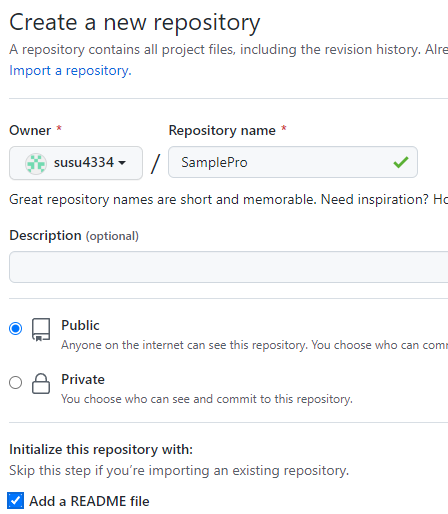
팀장이 git에서 repository 만듬
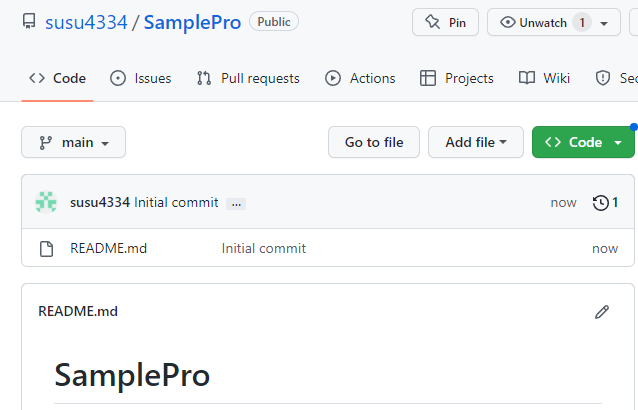
branch 이름이 main

저장소 주소
토큰 생성
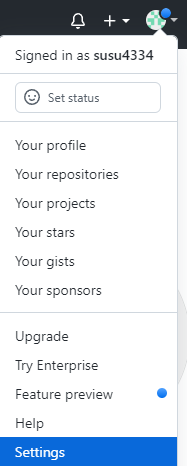

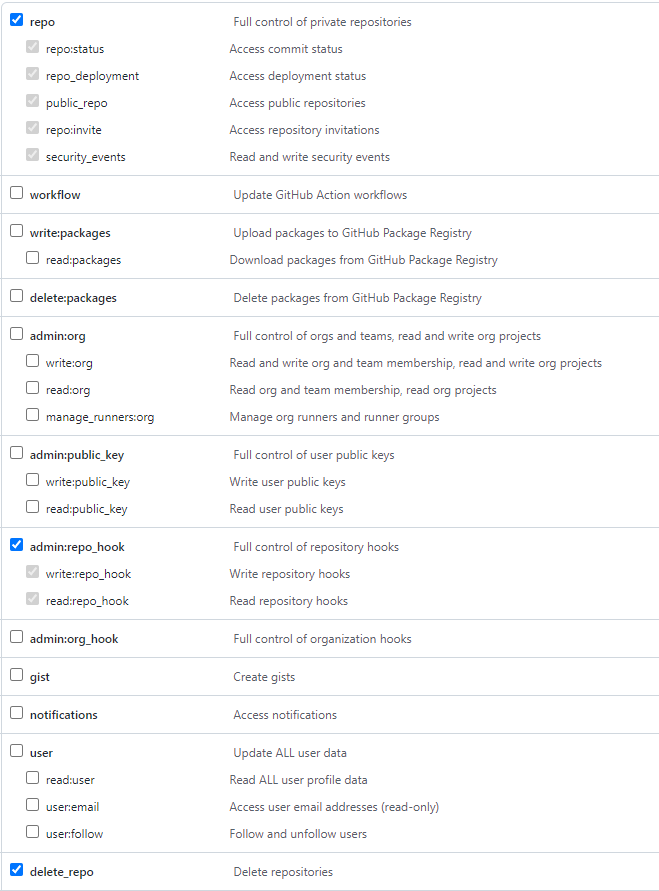
토큰 생성
다시 볼 수 없으니 따로 저장 할것
저장소 주소 복사
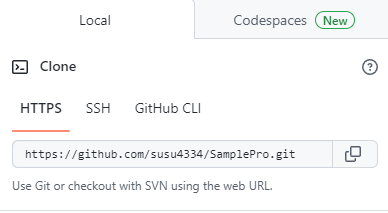
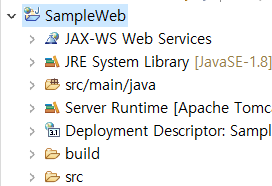
올릴 프로젝트

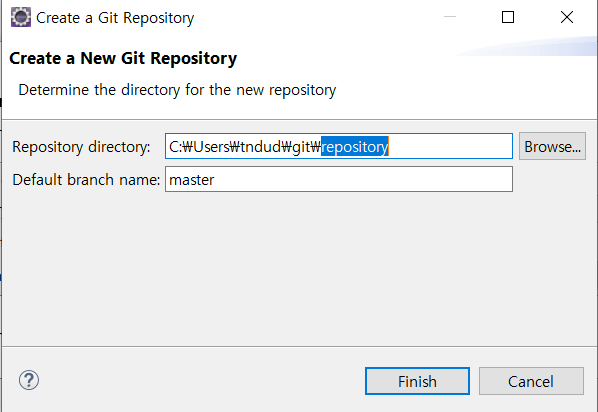

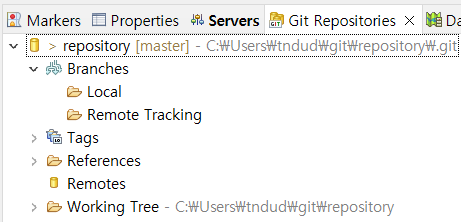
로컬 저장소 만듬
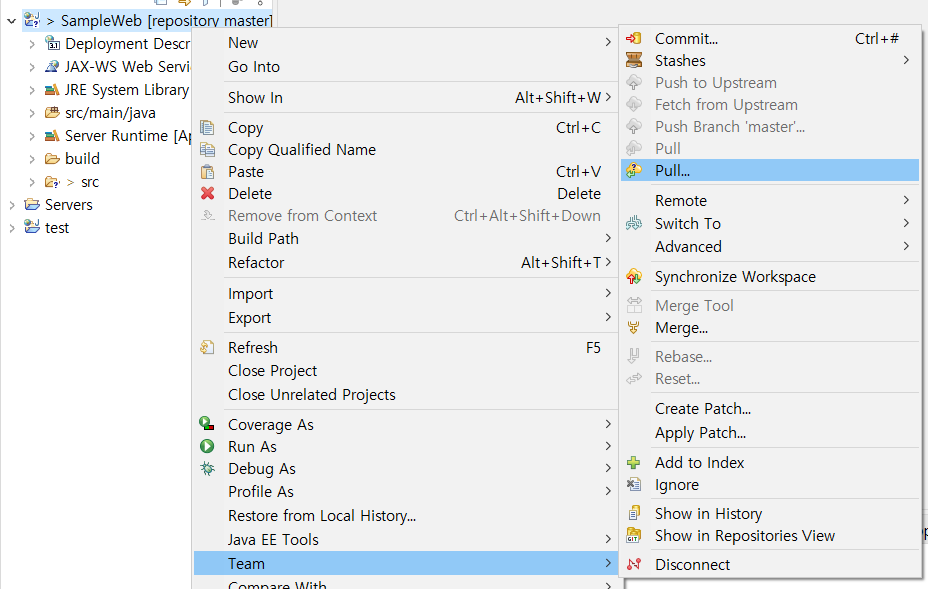


주소 붙여 넣은 다음 아이디와 토큰 넣음

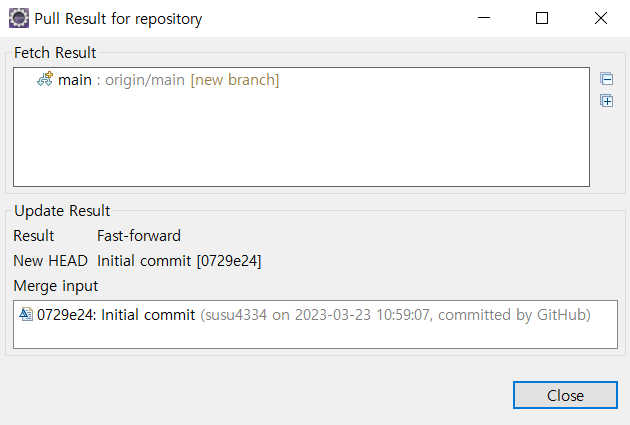
git과 이클립스의 연결이 됨
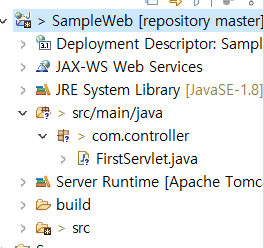


로컬 저장소에 올라감

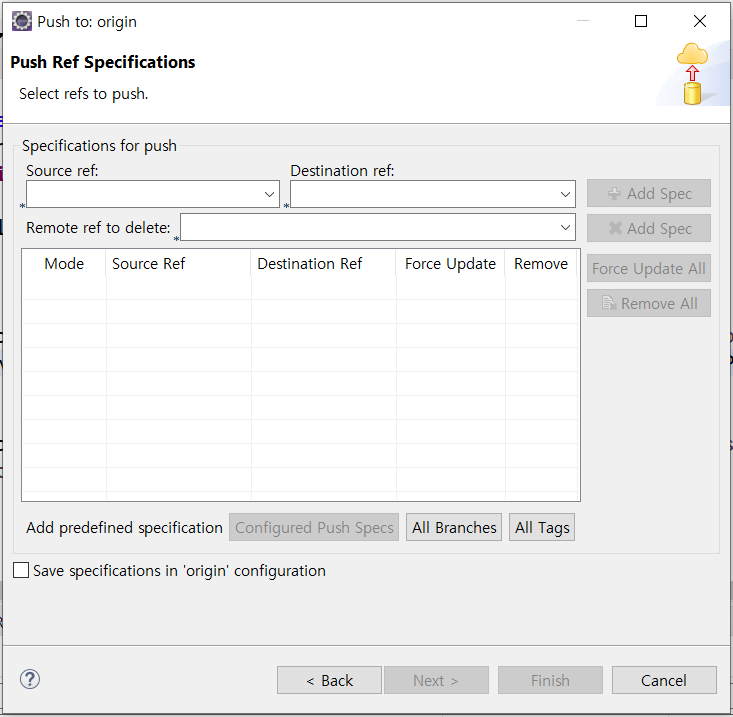
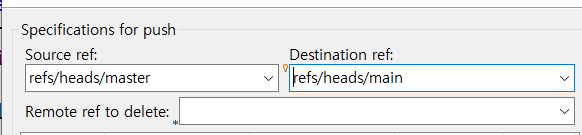
출발 주소와 도착 주소 정함
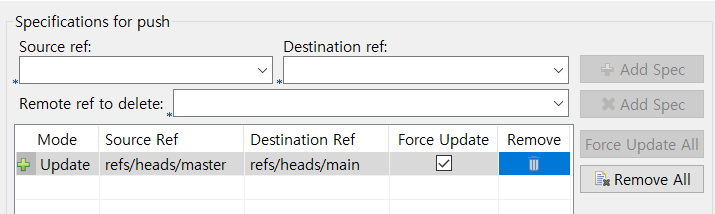
finish 하면 master에서 main 으로 보냄
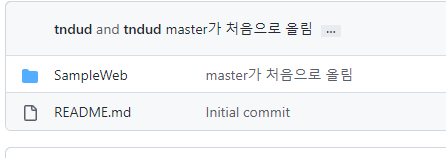
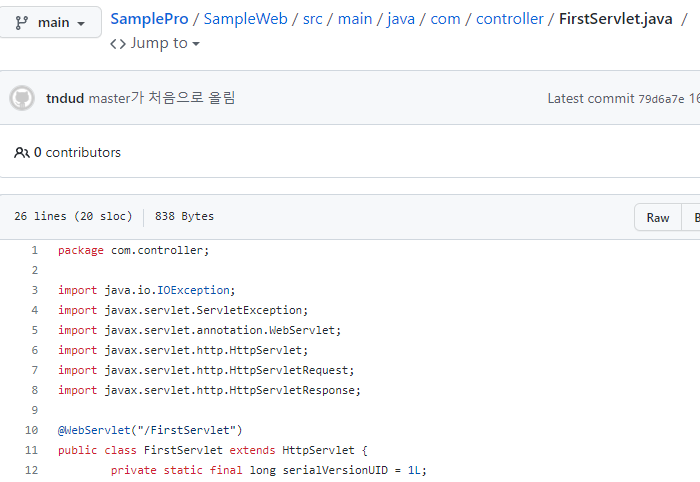
git에서 확인하면 올라와 있는게 보임
※만약 ~permitted라는 에러 메세지가 뜬다면
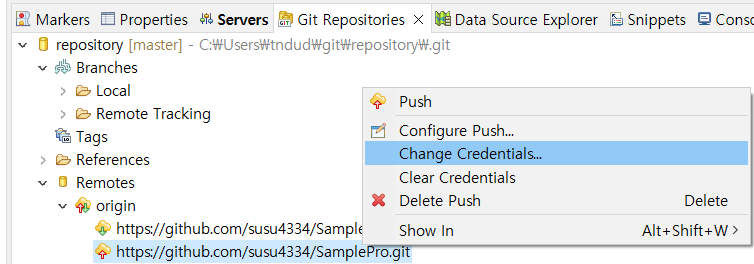
저기서 아이디랑 토큰을 입력한다음
다시 pull을 한뒤 push 하면 됨
협업 사용
팀장이 같이 할 사람 구함
팀원 => 협업자 동의 => uri 복사 + smart import => clone url (원격 저장소 => 로컬 저장소) => 브렌치 변경/추가 작업
=> 스테이지 + commit => 로컬저장소 저장 => push =>원격저장소 main + hotfix 병합 작업
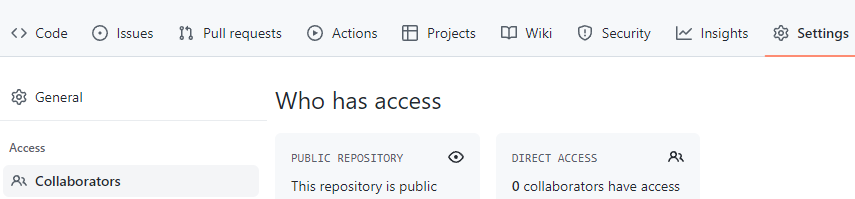
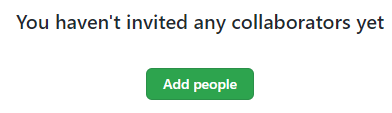
팀원 이메일 적어서 요청 보냄
팀원 이메일
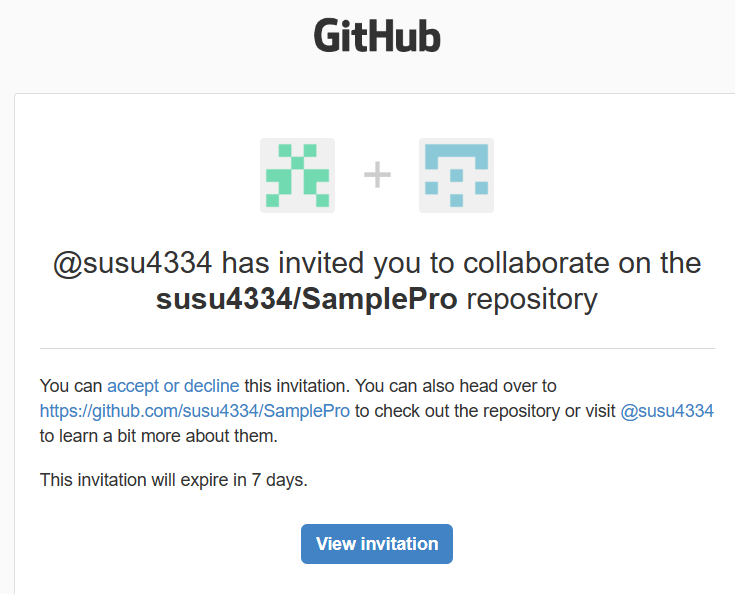

팀원이 저장소로 들어옴
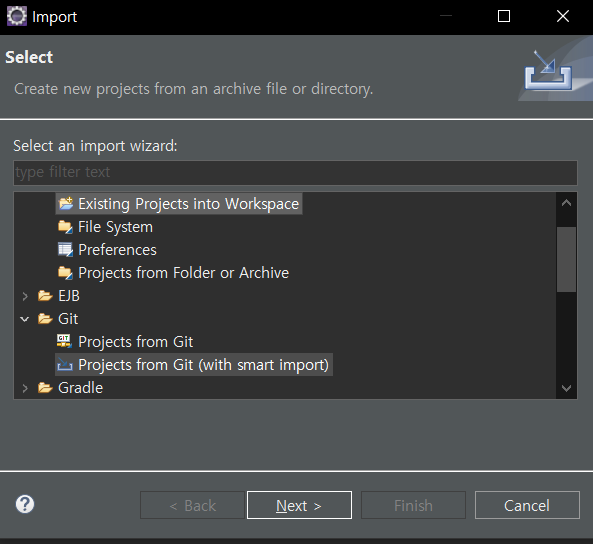
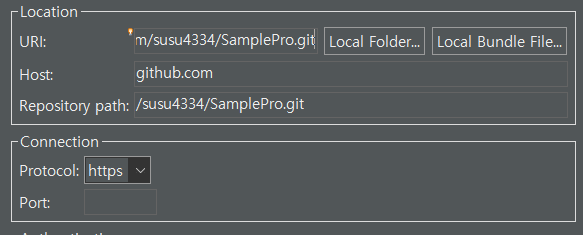
주소 복사
아래는 팀원용 아이디와 토큰
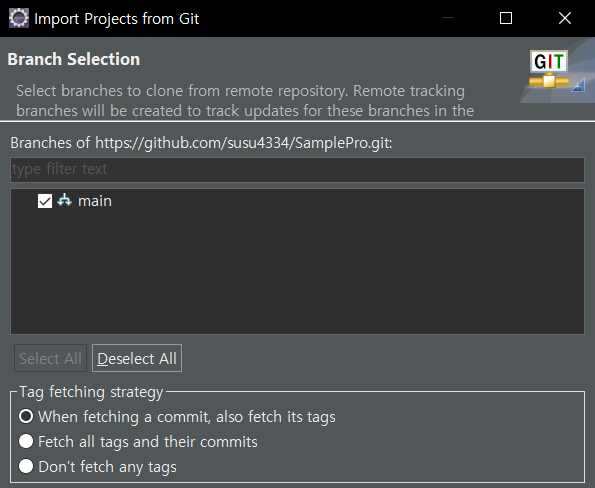
main에 있는걸 import 할꺼임
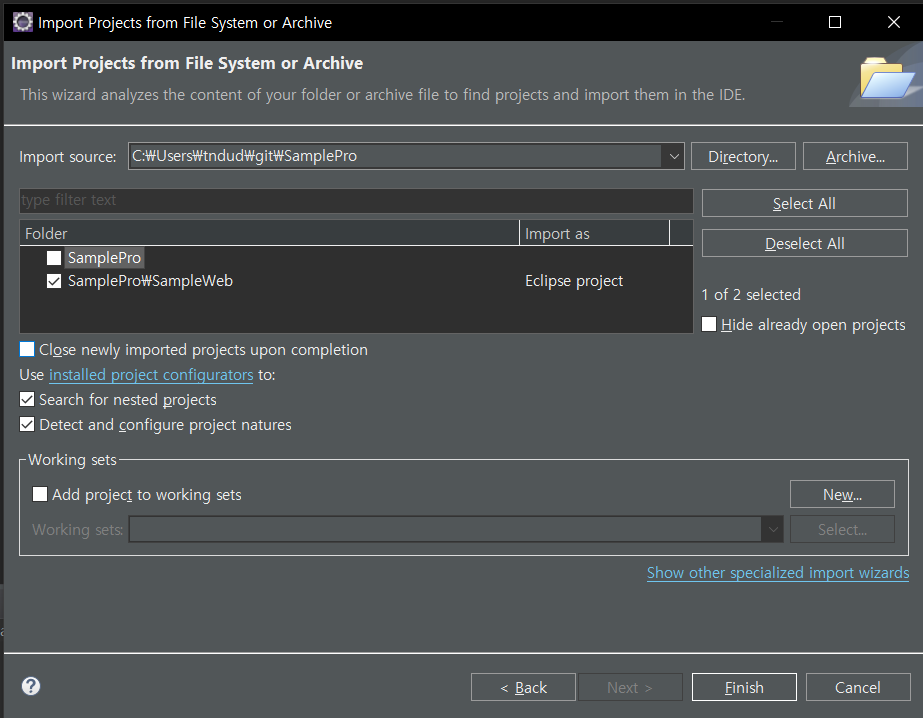
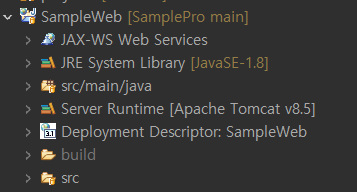
프로젝트에 들어옴

팀원의 branch를 바꿀꺼임
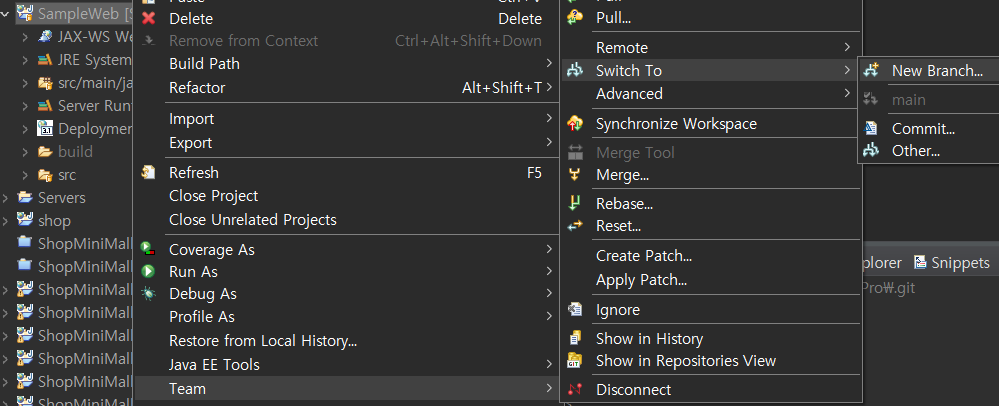
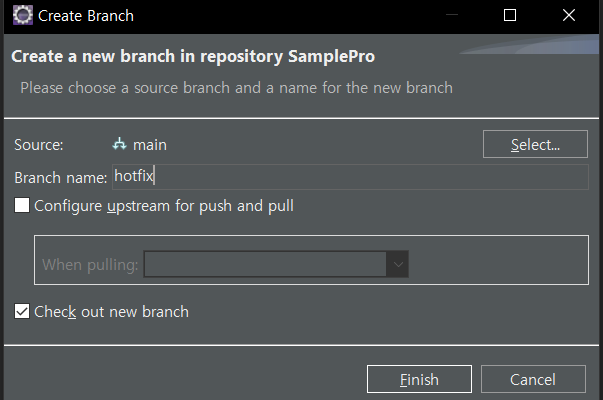

팀원 branch 바뀜
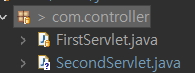
파일 수정함
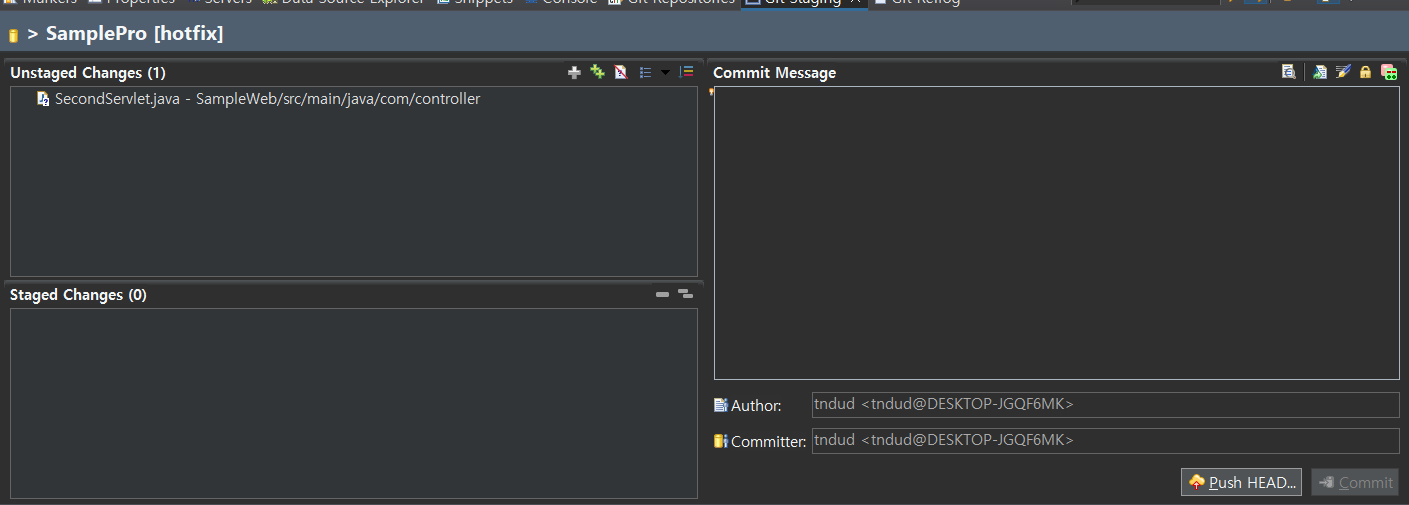


hotfix 가 직접 병합 하는 방법으로 할꺼임



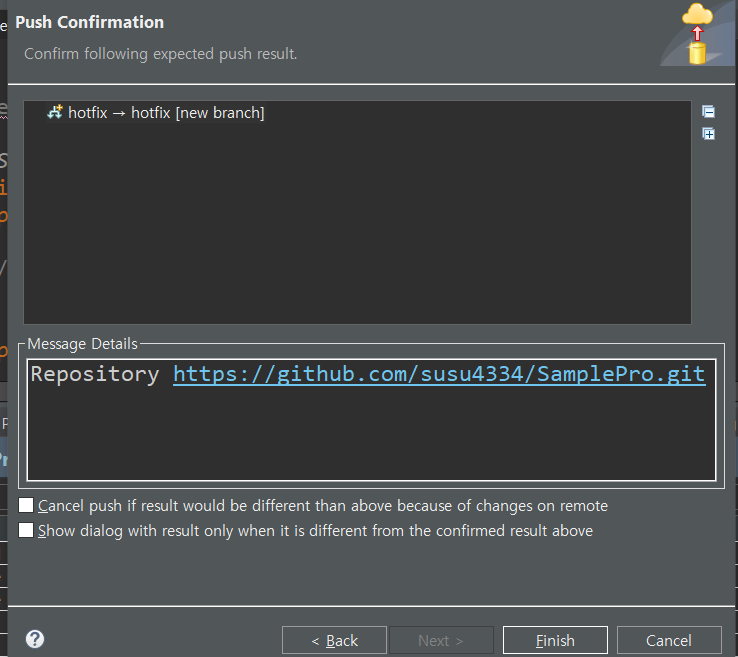
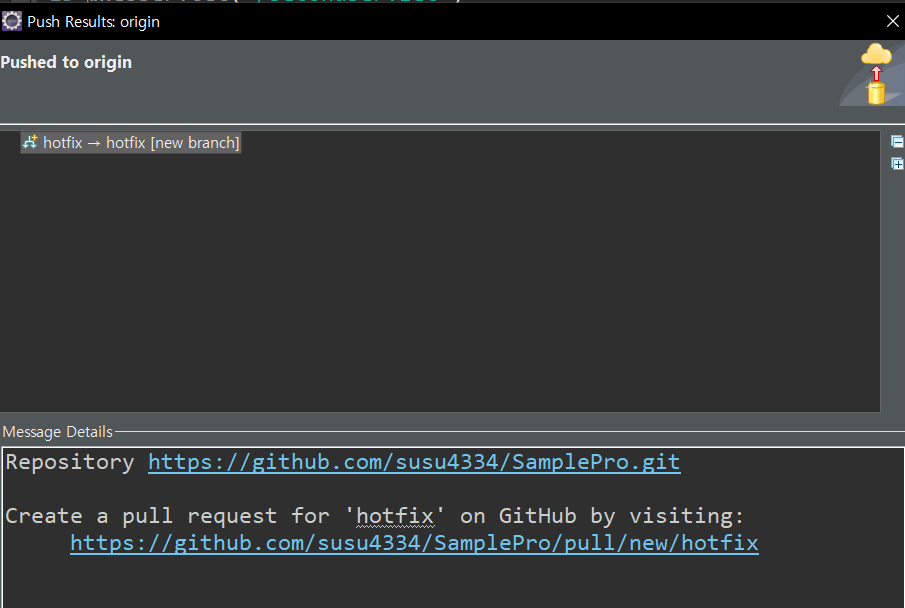
팀원용 git

main에서 안뜨면 hotfix에 들어가 보기
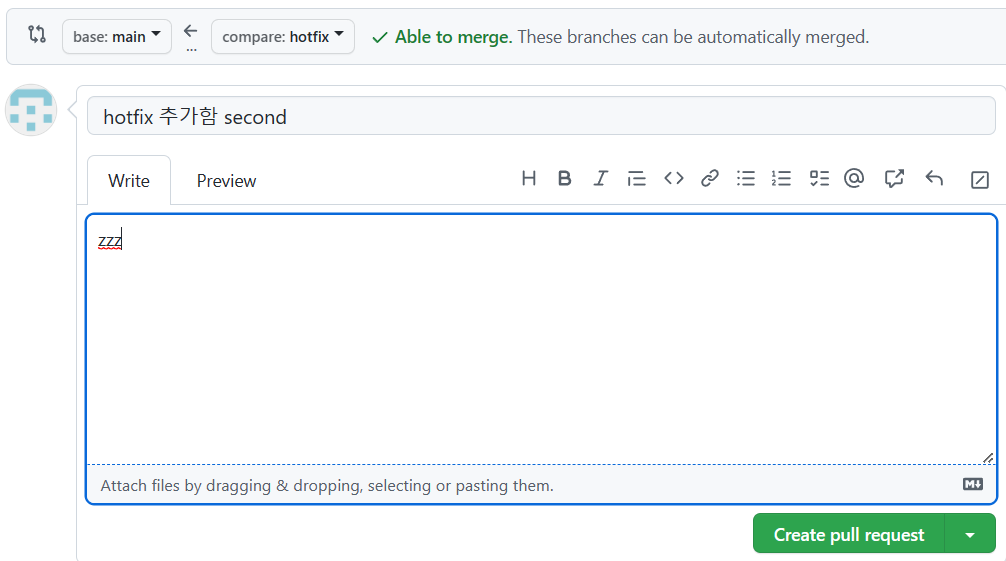
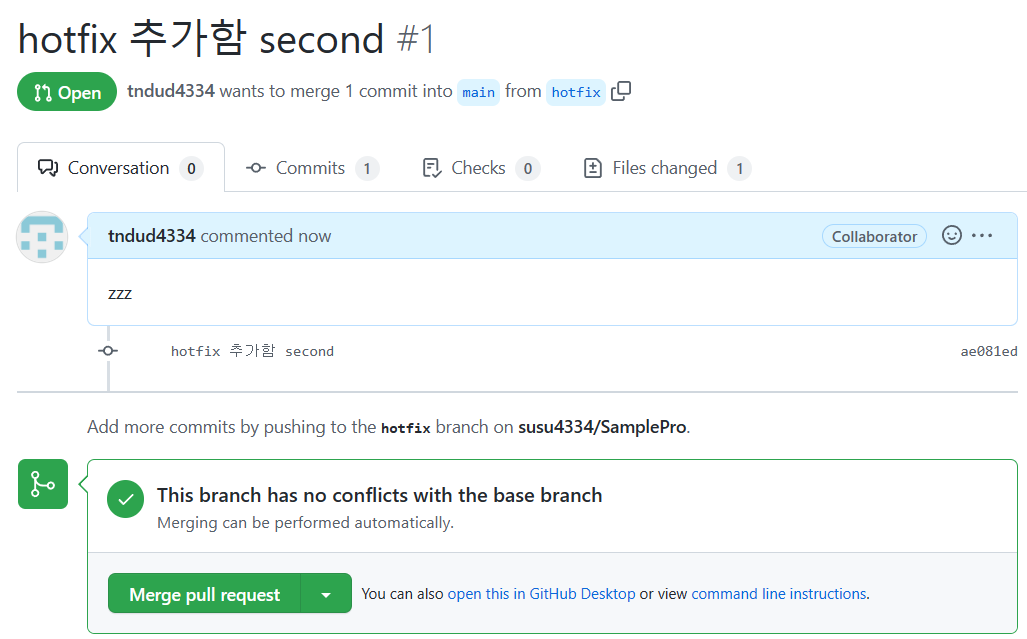
자동으로 충돌 검사 해줌
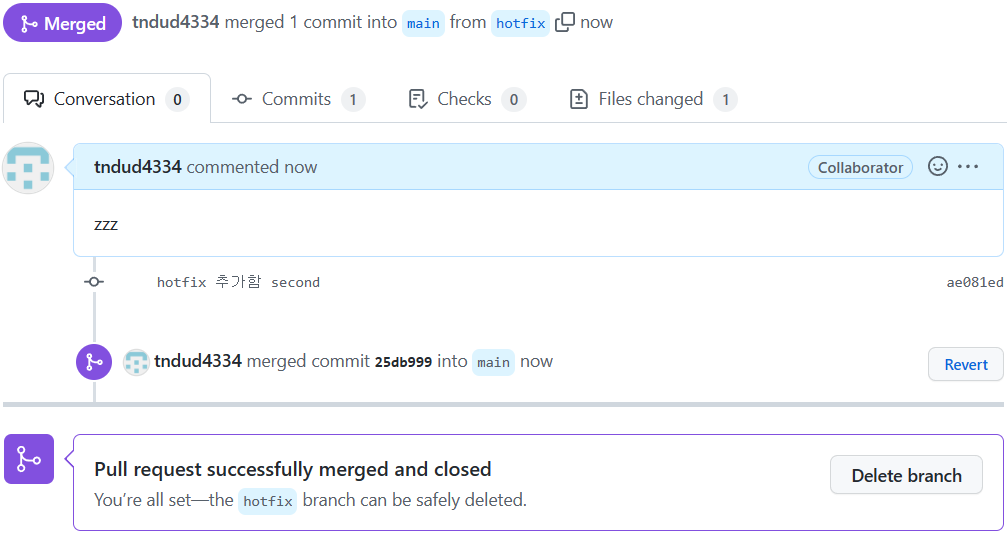
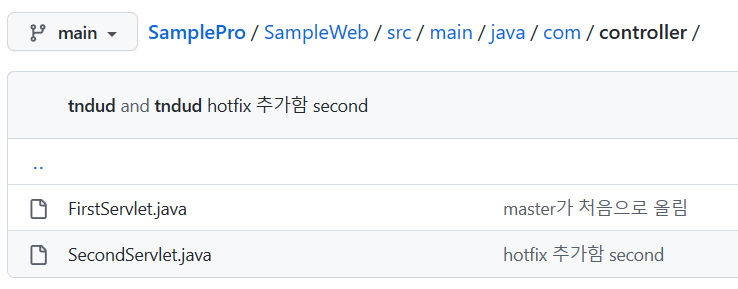
main에서 추가 된것을 볼 수 있음
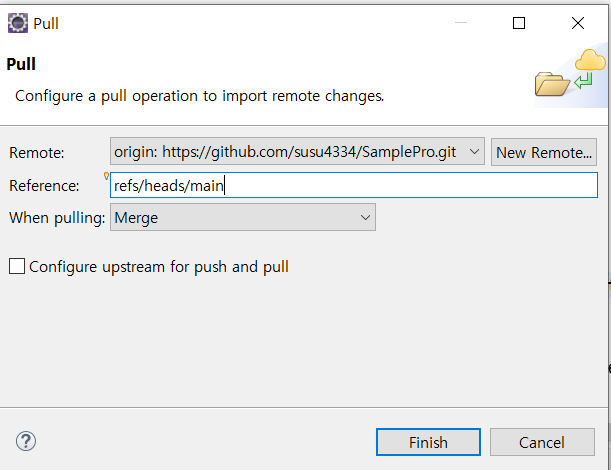
팀장은 원격지에서 최신 정보 pull해야함 팀에서 아래쪽의 pull임
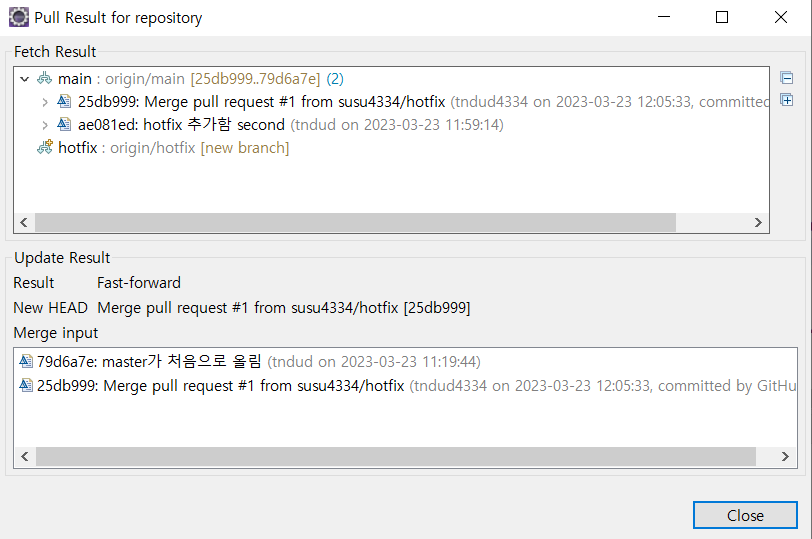

hotfix에서 작업한 내용이 추가됨